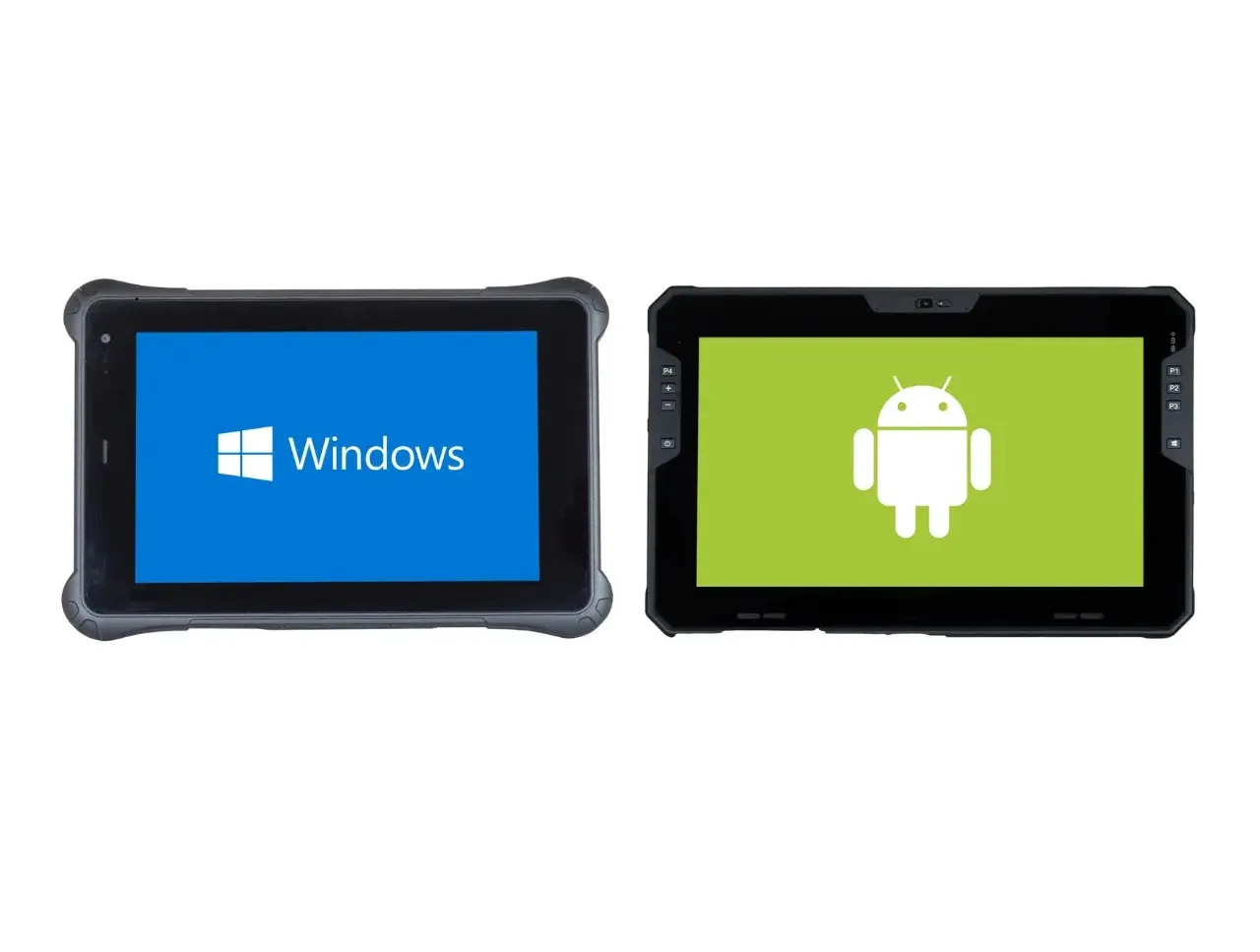
The primary difference between rugged Android and Windows tablets is how they balance battery life and customization (Android) against processing power and software compatibility (Windows). While both are designed for harsh environments, your choice usually depends on whether you need a mobile-first tool or a portable desktop.
Key Comparison Table
| Feature | Rugged Android Tablets | Rugged Windows Tablets |
|---|---|---|
| Primary Strength | Portability, cost, & battery life | Full desktop software & performance |
| Battery Life | Long (often 8+ hours/full shift) | Shorter due to high-power CPUs |
| Best Use Cases | Logistics, retail, & fieldwork | Engineering, CAD, & ERP systems |
| App Ecosystem | Large (Google Play Store) | Specialized enterprise & legacy apps |
| Customization | High (open-source flexibility) | Standardized but less flexible |
| Peripheral Support | Often limited to Wi-Fi/Bluetooth | Extensive driver support for scanners/printers |
Rugged Android Tablets: The Mobile Specialist
Rugged Android tablets like the Getac ZX10 function similarly to a ruggedized smartphone.
- Cost-Effective: Generally have lower upfront costs and licensing fees than Windows models.
- Efficiency: Use ARM-based processors that consume less power and generate less heat, making them ideal for long shifts in the field.
- Custom Solutions: Their open-source nature allows developers to create highly tailored apps for specific tasks like inventory management or barcode scanning.
Rugged Windows Tablets: The Portable Workstation
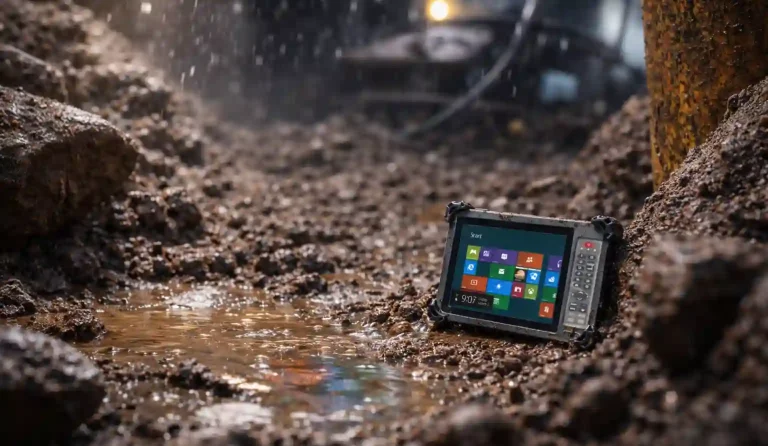
Rugged Windows tablets, such as those from Wentaida, are essentially rugged tablet form factor.
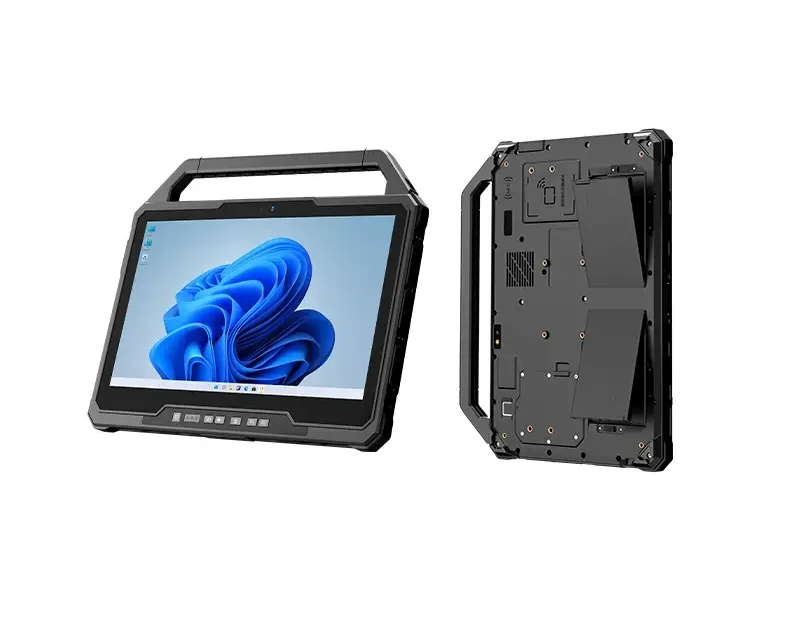
- Enterprise Integration: Seamlessly connect with existing Windows-based IT infrastructure, Microsoft Office, and specialized desktop software like AutoCAD or ERP programs.
- Performance: Typically equipped with powerful Intel or AMD x86 processors, they handle heavy multitasking and data-heavy visualizations much better than Android.
- Management & Security: Often come with built-in enterprise management and security features like BitLocker and Windows Defender.
Which one is better?
Determining which rugged tablet is “better” depends entirely on your specific industry needs, as each operating system dominates different professional environments. Android is the superior choice for mobile-first, high-volume tasks like logistics and warehousing, while Windows is better for high-performance engineering and deep integration into existing corporate IT infrastructures.
When Android is “Better”
Android is generally preferred for large-scale deployments where cost-per-unit and battery life are the primary concerns. It currently accounts for about 26.88% of the general tablet market, but it is the fastest-growing segment in logistics and transportation with a projected 9.61% CAGR.
- Logistics & Warehousing: Its lightweight architecture is ideal for repetitive tasks like barcode scanning and inventory management.
- Field Services: Android tablets are typically more energy-efficient, often lasting an entire 8–10 hour shift on a single charge.
- Lower Upfront Cost: With lower licensing fees and flexible hardware requirements, Android is the more budget-friendly option for equipping large teams.
When Windows is “Better”
Windows remains the dominant force in the industrial tablet market, commanding over 60% of the market share as of 2025. It is “better” if your work requires the full power of a desktop computer in a mobile form factor.
Security & Management: For highly regulated industries, Windows offers superior enterprise-grade security features like BitLocker and seamless integration with Microsoft Active Directory.
Engineering & Construction: Windows is essential for running specialized “heavy” software like AutoCAD, ERP systems, or complex BIM models that simply do not have full-featured Android equivalents.
High Performance: These tablets use powerful Intel or AMD processors capable of intense multitasking and data processing.